


 We typically respond the same day


Introduction to Wix Website Builder
You need a website that’s easy to build, looks professional, and doesn’t require coding—but with so many options, it’s hard to know which one to trust.
You’ve heard of Wix, but is it as simple and powerful as it claims? Let’s break it down so you can make a wise choice without wasting time or money.
This blog gives you a comprehensive, honest review of Wix, covering its strengths, weaknesses, features, pricing, and real use cases.
By the end of this post, you’ll know if Wix is a good fit for your goals. If it is, we’ll guide you through getting started quickly and confidently.
Wix Review Based on Key Criteria
We’re kicking off our website builder review series by evaluating each platform based on key criteria like ease of use, design flexibility, features, pricing, and support.
1. Ease of Use
Wix has always been known for its ease of use, and the 2025 version pushes that reputation even further.
1.1 User Interface & Navigation
The dashboard is clean, intuitive, and beginner-friendly. Drag-and-drop functionality feels natural, and the learning curve is gentle even for complete novices.
1.2 Onboarding Experience
Onboarding is simple thanks to detailed tutorials, guided setup wizards, and a vast selection of templates to kickstart your journey. Their sandboxes are also available on Wix Studio for you to explore.
1.3 Customization Process
Customizing your site is a breeze, with options like undo/redo, design flexibility, and helpful prompts at every step. You can even get your custom template from their marketplace at an affordable price.
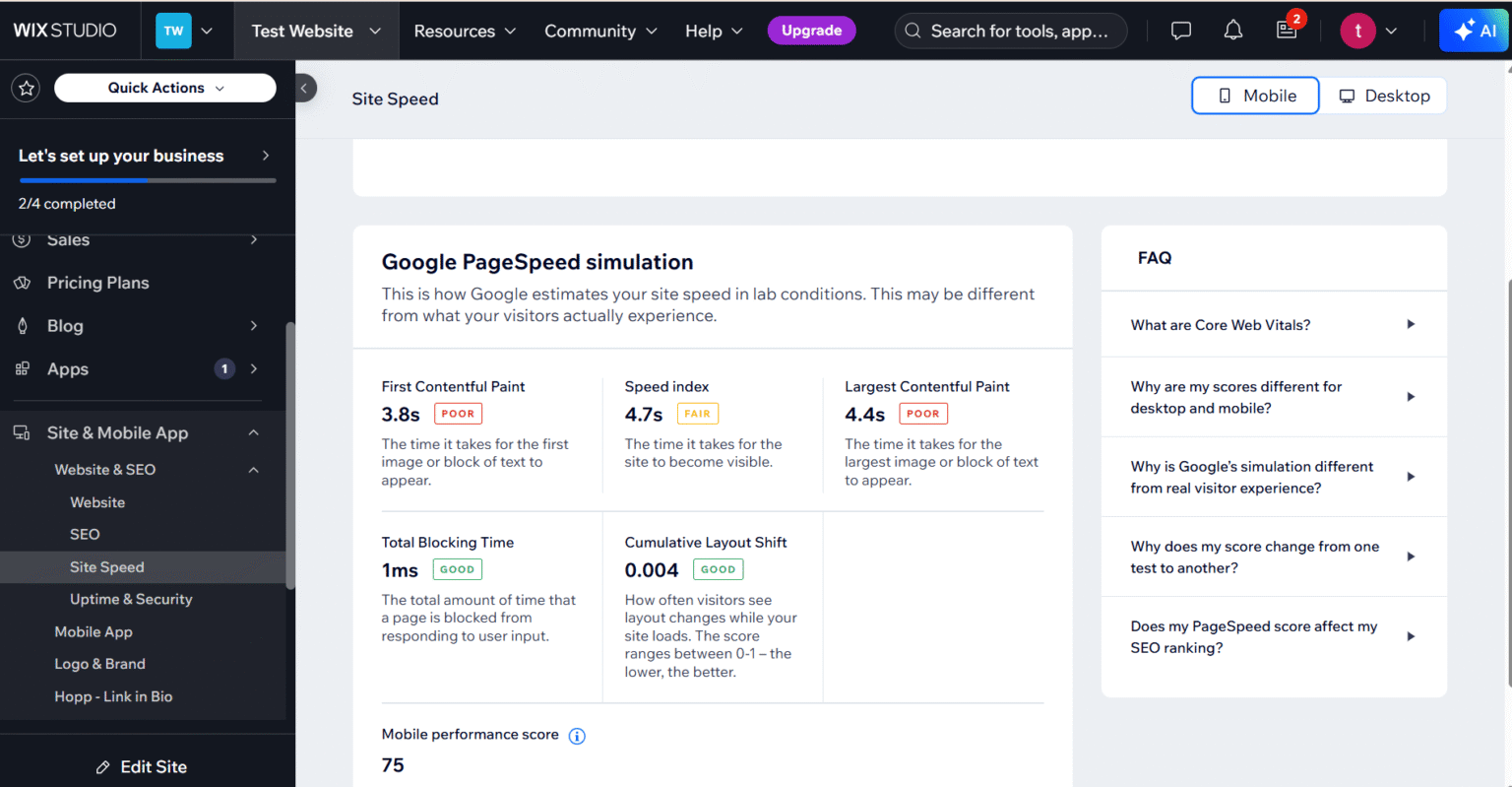
The only downside is that Wix websites load slowly, and performing actions like undo takes time compared to other website builders.

2. Design & Templates
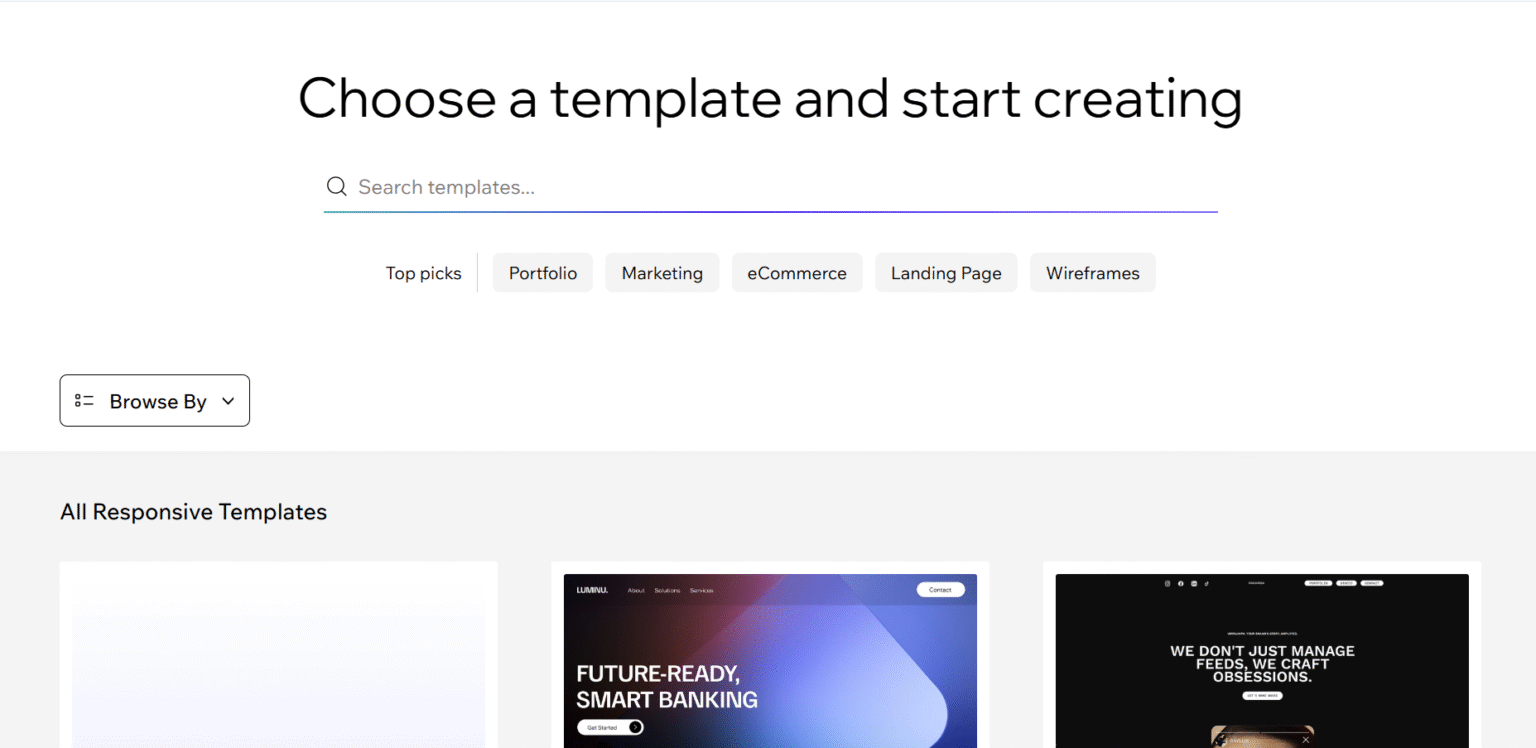
Design is one of Wix’s strongest suits. It provides over 800 professionally designed templates covering niches from blogging to hospitality. You can also build your custom website from scratch by using drag-and-drop functionality.
2.1 Template Variety
Wix provides templates for almost every niche, making it easy to start. It offers options to add or remove pages based on your needs.
2.2 Design Aesthetics
You can use Wix ADI to turn your website idea into a full-fledged design. The best part is that it will generate a website layout based on your input. In the same editor, you can preview your website on desktop and mobile.
2.3 Mobile Optimization
They’re mobile-optimized out of the box and support advanced tweaks like custom fonts, header variations, and layout adjustments.
Whether you prefer sleek minimalism or a vibrant, bold aesthetic, Wix lets you realize your vision. These templates allow you to design a complete website from start to finish.
3. Features & Functionality
3.1 Drag-and-Drop Capabilities
A smooth drag-and-drop feature is available. It allows you to design your website using grid or section-based editing.
3.2 Built-in Apps & Widgets
Wix has a built-in app market where you can easily find apps based on your needs. Just pick a category and explore. If you’re feeling creative, you can even build and connect your app to your website.
3.3 Multilingual Support
lets you create a website in multiple languages. You can translate content manually or use automatic translation tools.
3.4 Membership & Access Controls
Setting up access controls in Wix is easy, but it gets complex when you have to set tiered permissions. There is often confusion about permission settings, and it glitches when managing large user bases.
3.5 Third-party App Marketplace
Wix offers a wide variety of third-party apps. However, high-quality apps often have additional costs, and some integrations may lack depth.

4. Hosting & Performance
4.1 Speed & Load Times
They offer decent speed for lightweight pages and have improved their built-in CDN and media optimization. However, complex sites with mobile apps experience slower load times. Some templates also show inconsistency.
4.2 Uptime Guarantees
Wix provides reliable uptime, typically averaging around 99.9%, which is supported by its cloud-based infrastructure. Websites show minimal downtime.
4.3 Server Locations & CDN
Despite Wix’s use of a global CDN to enhance performance, we often experience slow load times for complex or media-rich sites.
4.4 Hosting Types Offered
Wix offers managed cloud hosting only. Hosting is fully integrated into the Wix platform, meaning users don’t need to manage servers or configurations. While this simplifies setup, it limits flexibility for advanced users seeking custom hosting solutions.
5. Mobile Optimization
5.1 Mobile Editing Tools
Wix provides a dedicated mobile editor separately from the desktop view. You can rearrange elements, hide, or show.
5.2 Responsive Design Quality
Wix templates are designed to be responsive, automatically adjusting to fit various screen sizes, including tablets and smartphones. We have observed spacing, font scaling, and image display inconsistencies, especially when using third-party apps or custom code.
5.3 Page Speed on Mobile
Wix’s mobile page speed has improved over the years but still lags behind top-performing platforms. Common issues include heavy media files, excess scripts, and third-party app load times.
6. SEO Capabilities
6.1 Meta Tags Editing
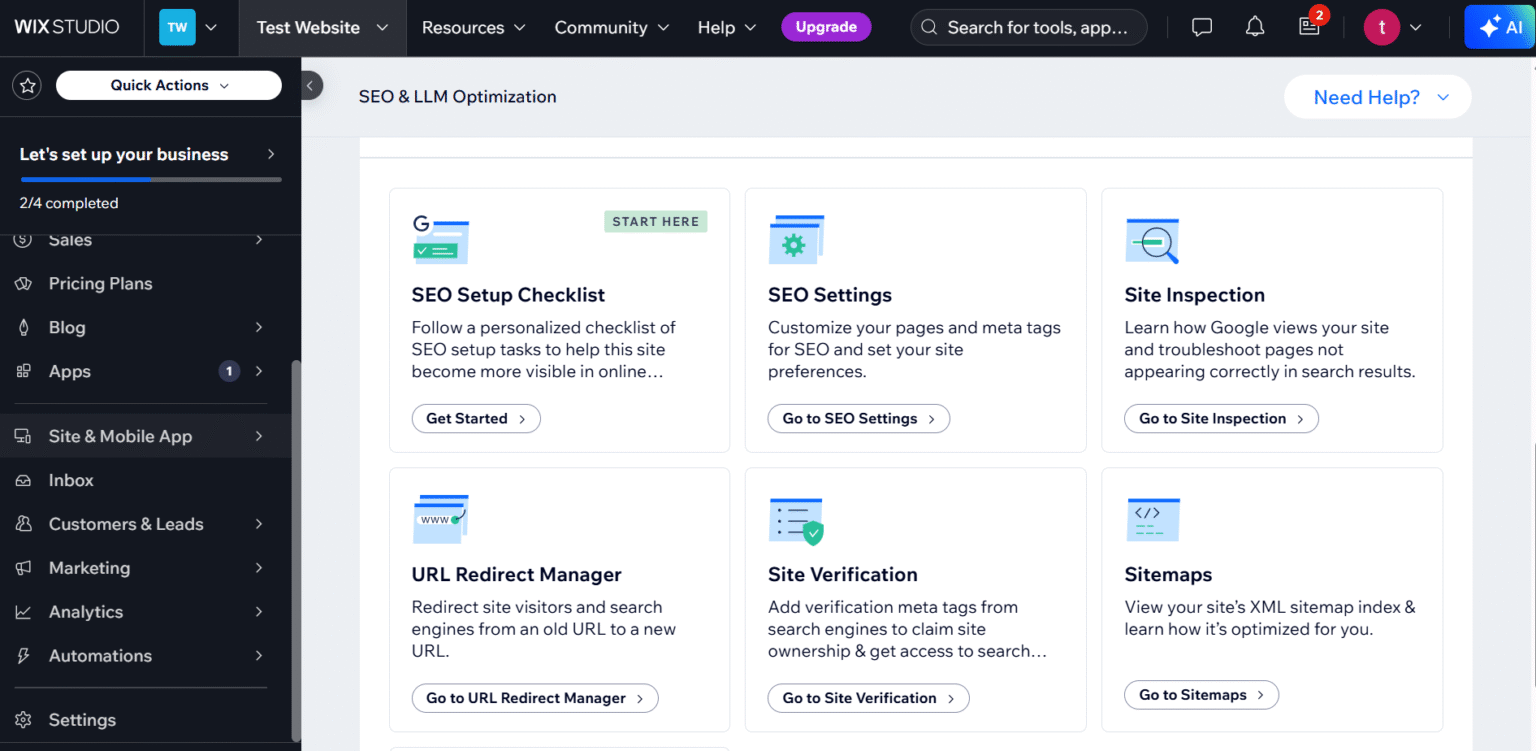
Wix offers comprehensive meta tag editing capabilities for SEO optimization. Users can manually edit each page’s meta titles, descriptions, and canonical tags, including blog posts and product pages.
6.2 Image Optimization
Wix provides built-in image optimization features such as automatic compression, lazy loading, and support for WebP formats, which help reduce page load times. Also, advanced options like responsive image sets or manual compression settings are limited.
6.3 Sitemap & Robots.txt Access
Wix automatically generates a dynamic sitemap and allows basic customization of the robots.txt file. While suitable for most users, full control over sitemap structure or advanced robots.txt directives may require developer tools or external integrations.
6.4 Page Speed Optimization
Wix includes several page speed optimization tools, such as caching, image lazy loading, and media compression. However, you can’t control script loading order or perform advanced code optimizations, which can impact speed scores.
6.5 Schema & Structured Data Support
There is no visual schema builder, which might be a hurdle for non-technical users. However, through its built-in SEO tools, Wix supports basic schema markup for articles, products, events, and reviews.
Dive Into our
Client Testimonials
Listen to business owners like you share how we’ve helped them grow. Your story could be next!





.svg)
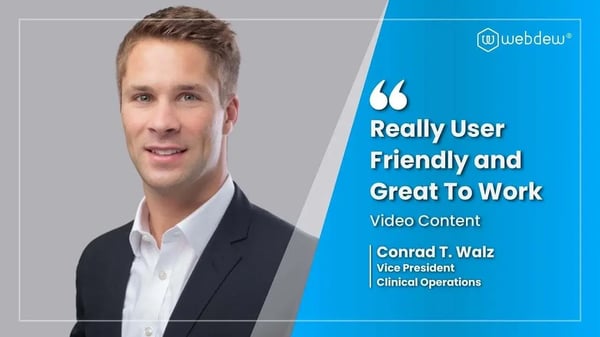
“Recently we reached out to Webdew for a website inside of HubSpot and they also did some mocking automation for us.”
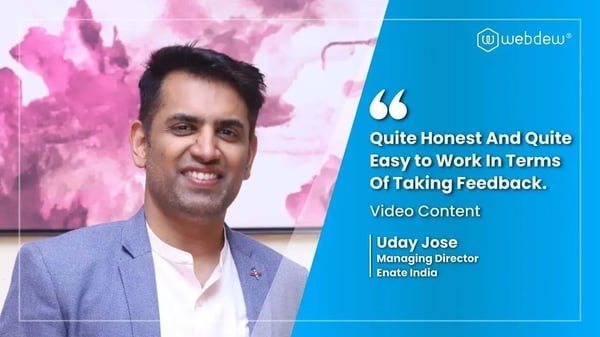
“Webdew team was quite honest and quite easy to work with in terms of taking feedback implementing it, showing that it doesn’t happen again and things like making sure that it meets our expectations.”
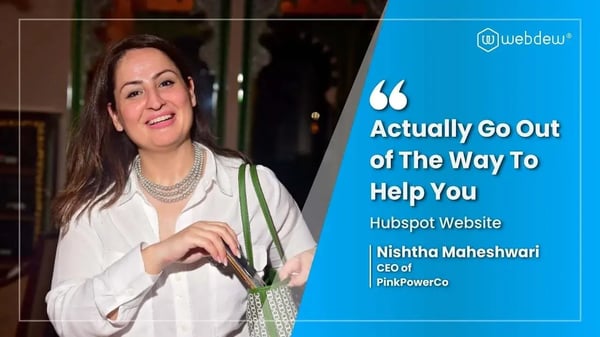
“We worked with webdew to help us build our HubSpot website and they did an amazing job with it. They were very quick.”

“webdew has helped us optimize the sales and marketing processes, and this is automating a lot of processes.”

“Hi everyone my name is Kara and I work as a channel consultant at HubSpot Singapore. I’ve been working closely with webdew agency”

“Hi my name is Christian from OpenDoors Mortgage team and I’m in the mortgage business and just trying to work on new projects and kind of incorporating HubSpot for my operations”

“I’m one of the technology directors for Travelopia. We are the largest experiential travel company in the world. We’ve engaged webdew recently, not recently, it’s been about a couple of quarters now.”
“We worked with Chehak over the past several months to create a series of animated videos for an academic planner that we produce. And from the very beginning, she was absolutely professional and a pleasure to work with.”


6x
We helped clients multiply their website conversion rates through strategic design and UX optimization.
20%
Our marketing campaigns led to a 20% uplift in customer engagement across digital channels.
2K+
Delivered over 2,000 qualified leads through targeted funnels and smart automation.
120+
Our video content has earned 120,000+ views, driving brand awareness and audience retention.
“I recently had the pleasure of working with Chehak on a video demo project, and I was thoroughly impressed with her services.”
.svg)
